Requesting a New Advertiser or Brand Account
Last updated: November 5, 2025
If you don't have an account or if you do already have an account and need an additional one, please complete the new account/brand access form (linked here). You will be notified once your new account is created.
If you do not already have an account:
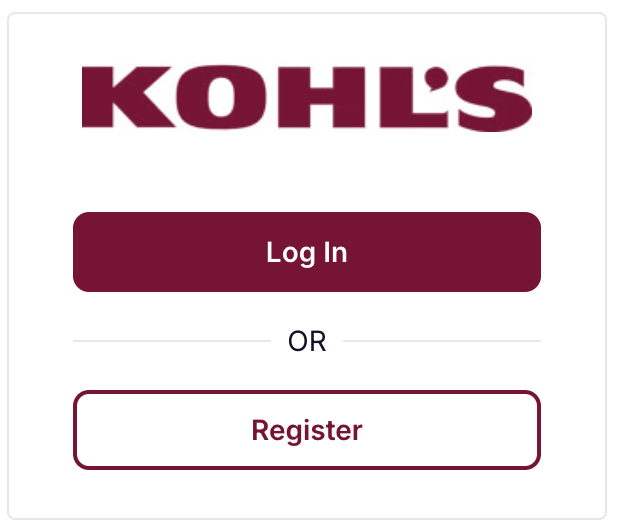
Go to koddi.io/#/kohls/login
Select Register
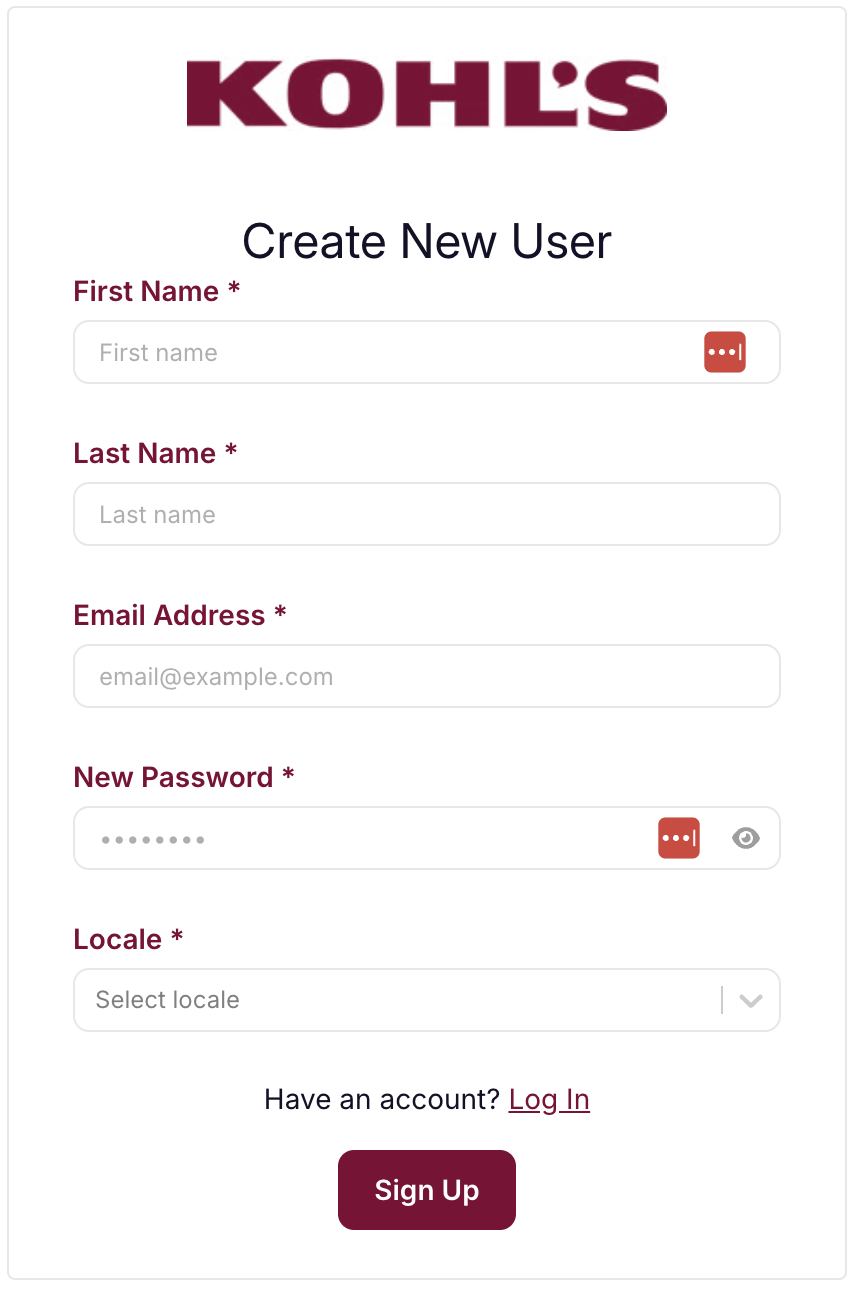
Complete the Create New User form (setting a new username and password)
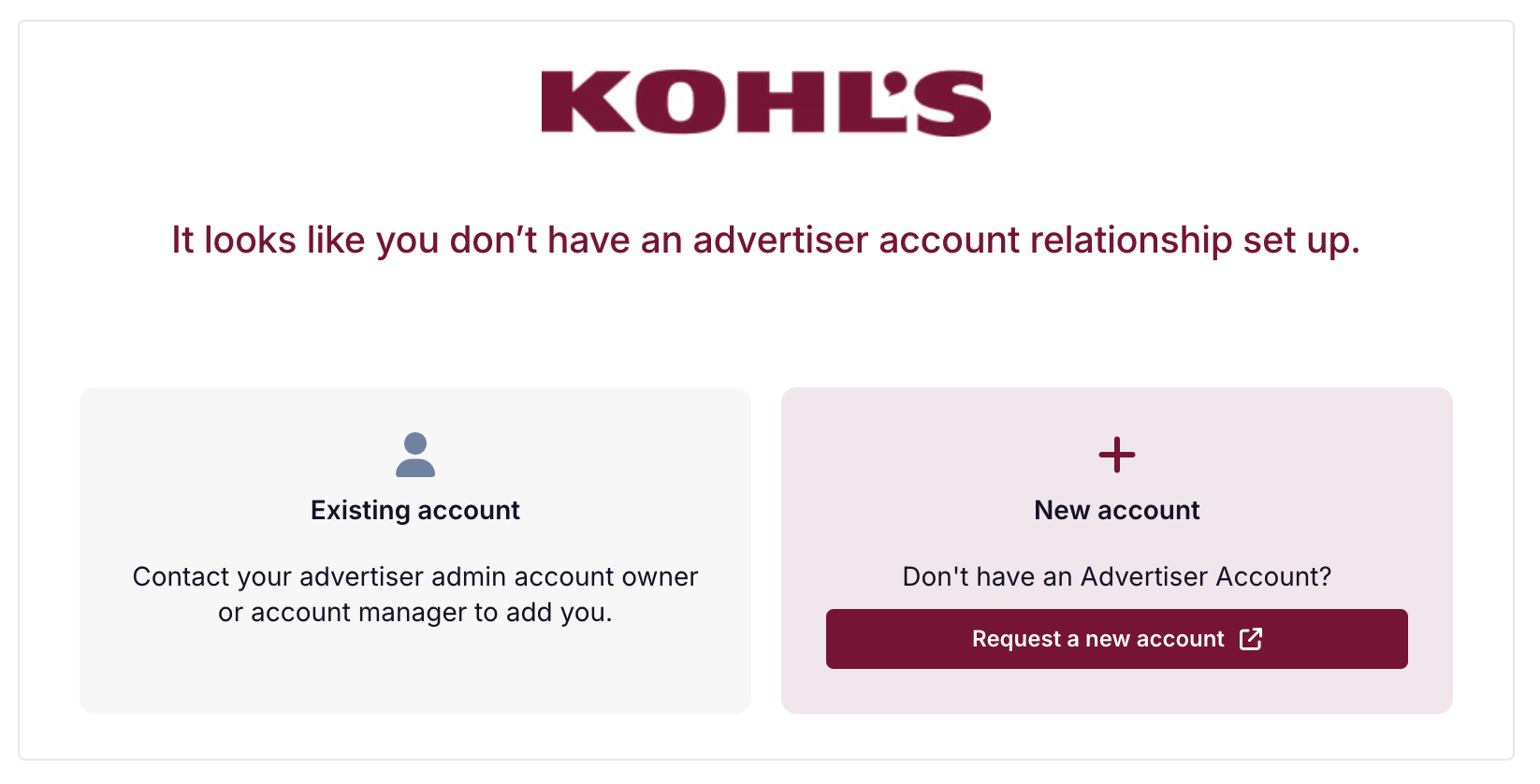
Once you are in the platform:
You can be added to an existing advertiser account (by contacting the account owner in your company) or
Request one by clicking the link and completing the new account/brand access form. You will be notified once your new account is created. You can return to koddi.io/#/kohls/login to access your account.
Want to add or update platform users? See our guide on How to Add Users